
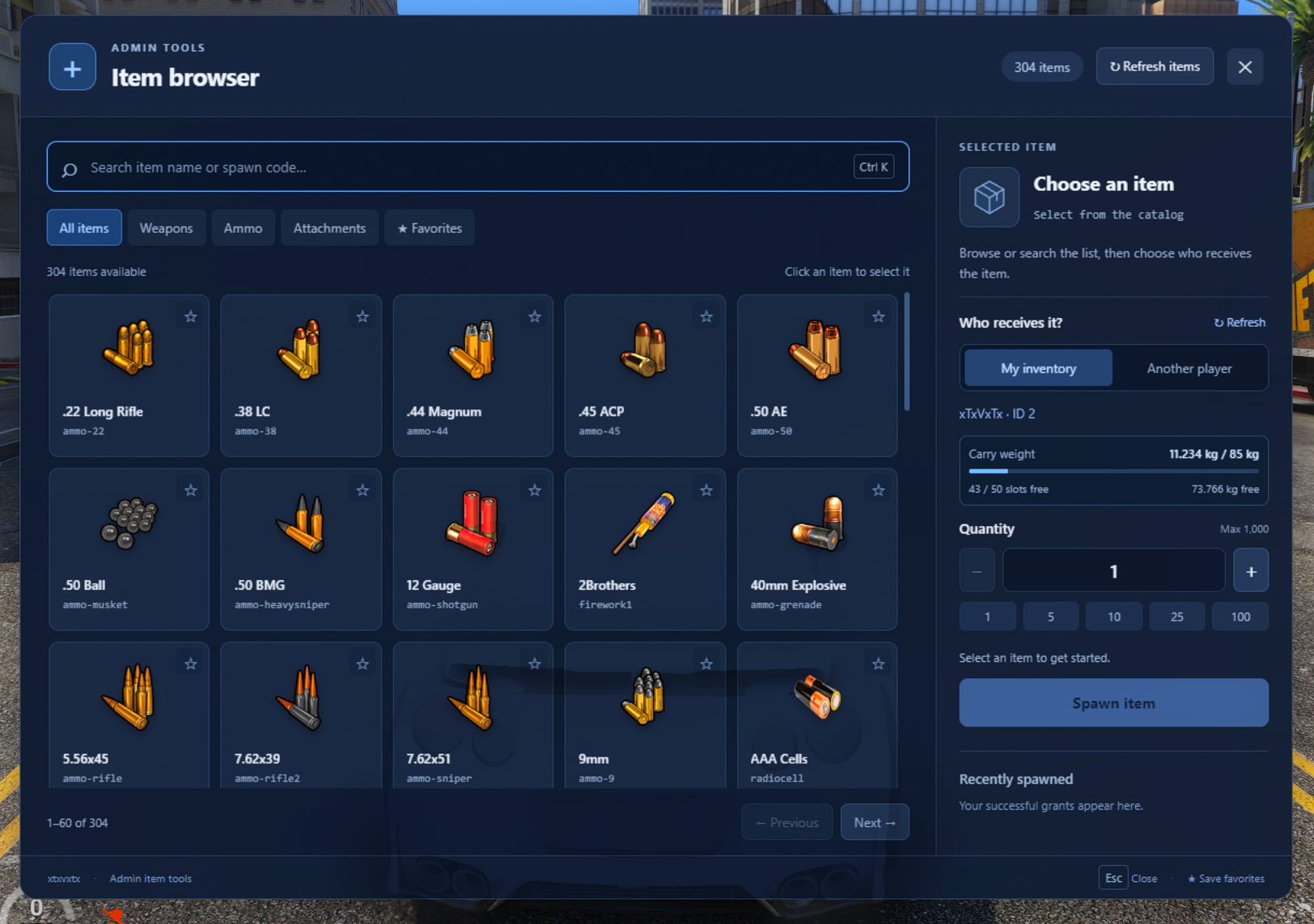
Make item spawning easier with xtxvxtx-additems, a simple admin interface for Qbox servers.
Open /additems, browse your server’s registered inventory items, choose a quantity, and give them to yourself or another connected player. Item icons, readable labels, and searchable spawn codes make finding the right item quick and straightforward.
Features include:
- Searchable item catalog with registered addon items and weapons.
- Inventory icons and descriptions, including custom ox_inventory icons.
- Category filters for weapons, ammunition, attachments, and favorites.
- Player selection with search by name or server ID.
- Recipient capacity display showing used/max carry weight, remaining capacity, and free slots.
- Quantity presets, saved favorites, and recent grants.
- Existing admin permissions, server validation, spawn cooldowns, and console audit logs.
- Editable configuration for command name, quantity limits, permissions, and image overrides.
Recipient capacity updates when selecting a player, every five seconds, and after successful grants.
Requirements
- FiveM server running Qbox (
qbx_core) - ox_inventory and its required dependencies
The catalog automatically includes items registered with ox_inventory. Missing icons display a placeholder.